Batches
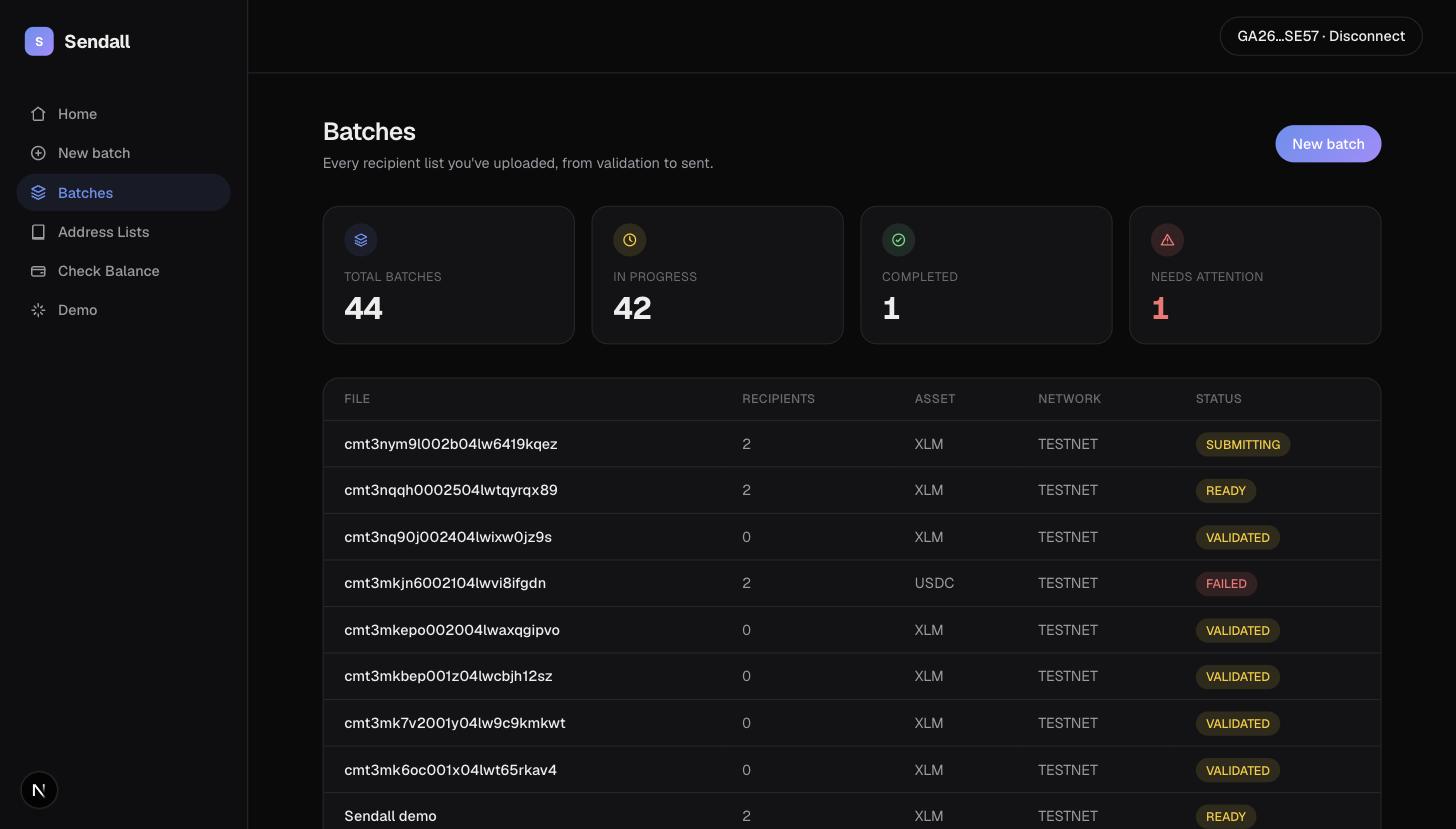
A batch review page has three tabs: Prepare, Confirm, Send. They map directly to a batch's lifecycle, and the tab you land on depends on the batch's current status, not on where you last left off.
Prepare
This is a single text area, one recipient per line: destination,amount or destination,amount,memo. You can type directly, paste a CSV, or use Upload CSV to import a file. Sendall parses it live: the recipient count, total amount, and status pill above the text area update as you type, and a bad row (invalid address, unparseable amount) is called out without blocking the rest of the batch.
Edits here are saved automatically a moment after you stop typing, so leaving the tab or closing the browser doesn't lose work.
Confirm
The Prepare text becomes an editable table, one row per recipient, with columns for the destination, amount, whether the account exists, its current balance, and status. This is also where the on-chain checks run: address validity was already known from Prepare, but account existence and trustline state are checked here, in bulk, against the network.
From this screen you can:
- Edit a destination or amount inline; the row is re-validated as you type.
- Set one amount for every recipient at once with the Amount for all field.
- Refresh a single row or every row, useful if you fixed something on-chain (funded an account, opened a trustline) since the last check.
- Remove a row entirely.
A row that fails validation or an on-chain check shows why, in plain terms ("Destination account does not exist," "No trustline for this asset," and so on) rather than a raw error code.
Once you're ready, Sign & send is enabled as soon as at least one recipient is Ready. It's fine to leave some rows unresolved. They stay behind and don't block the ones that are ready to go.
Send
After signing, this tab shows the final state: every recipient's outcome, a link to the transaction on Stellar Expert for anything that succeeded, and the specific failure reason for anything that didn't. If anything failed, a Retry failed button re-runs just those recipients through the same prepare/sign/submit sequence, without touching the ones that already succeeded.
Editing after recipients are set
Once a PaymentAttempt exists for a batch (meaning it's been sent, even partially), the recipient list is frozen. You can still retry failures, but you can't add, remove, or edit recipients from the Confirm screen anymore, since doing so could desync the batch from what's already been signed and submitted on-chain.