Home dashboard
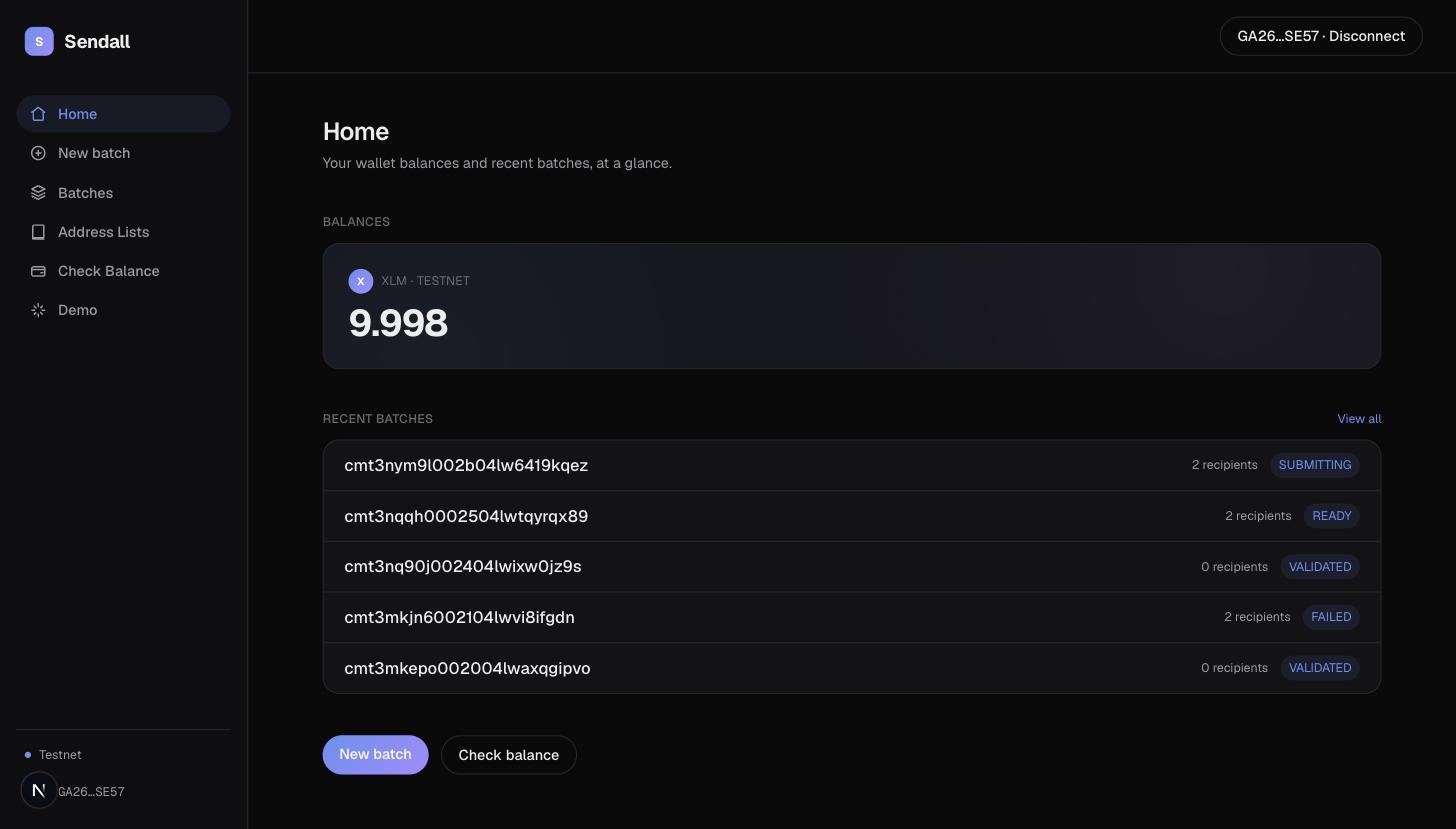
Home is the landing page once you're signed in: your connected wallet's balances and your five most recent batches, in one view.
Balances
Shows every asset your connected wallet holds a balance in, on whichever network you're currently on. If you hold native XLM, it's shown as the primary balance; otherwise the first asset returned takes that spot. Any other balances are listed alongside it, smaller.
If no wallet is connected yet, this section just prompts you to connect one instead of showing an empty state.
Recent batches
The five most recently created batches, regardless of status, with a link to Batches for the full list. Each row shows the file name (or the batch's id, if it was started without a CSV upload), its recipient count, and its current status.